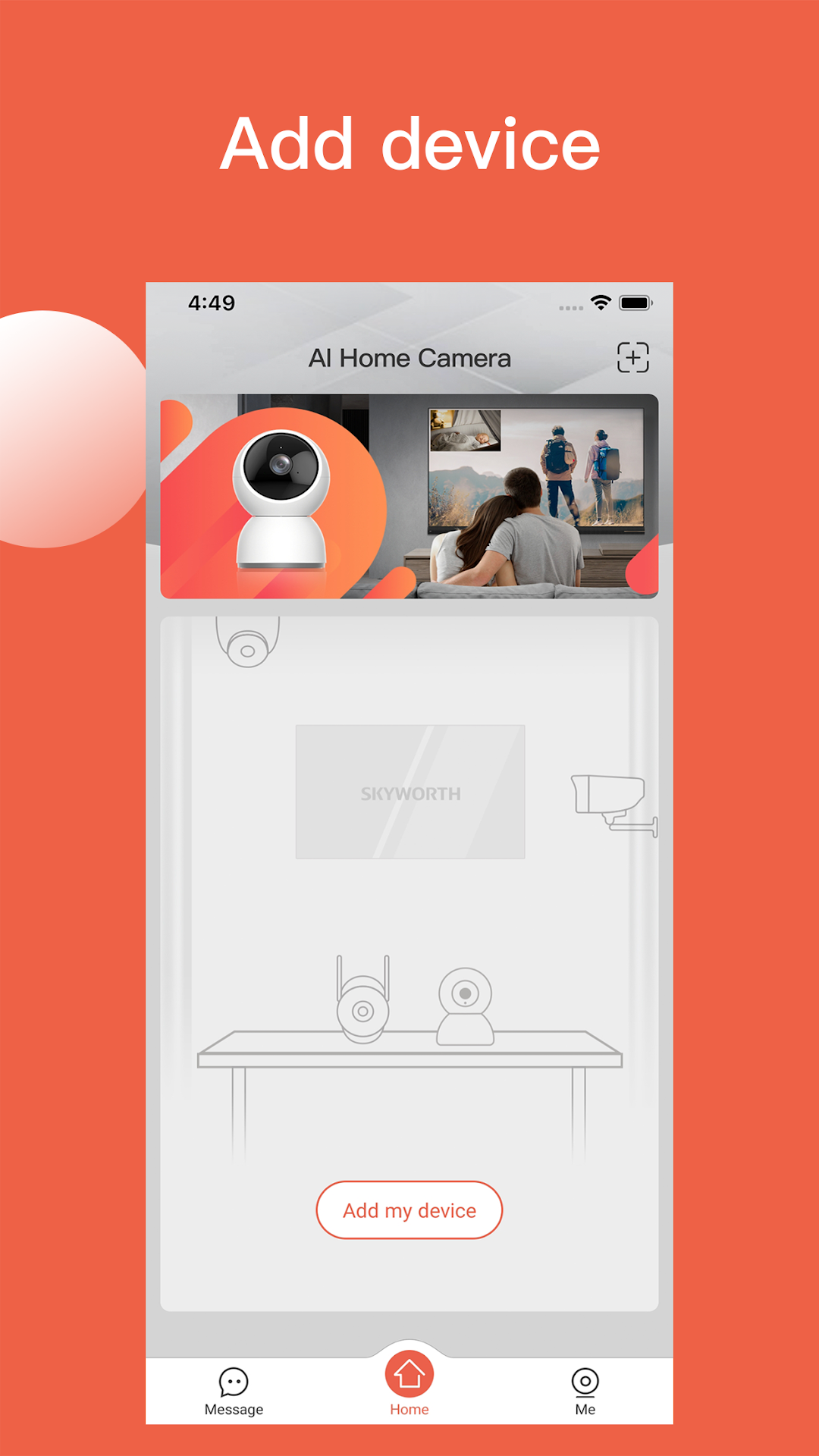
AI Home CameraはShenzhen Skyworth Digital Technology Co.,Ltd.が開発したモスマホで動作するツールゲームです、最高のAndroidエミュレーターであるLDPlayerを使用すると、PCでAI Home Cameraをダウンロードして快適にプレイできます。
PCでAI Home Cameraを実行すると、大画面で鮮明な表示が可能であり、マウスとキーボードでアプリケーションを操作することは、タッチスクリーンキーボードよりもはるかに速く、常にデバイスの電池残量の心配をする必要はありません。
マルチインスタンスと同期機能を使用すると、PC上で複数のアプリケーションやアカウントを実行できます。
また、ファイル共有機能を使用すると、画像、ビデオ、およびファイルを簡単に共有できます。
AI Home CameraをダウンロードしてPCで実行して、大画面と高解像度の画質をお楽しみください!
AI Home Camera APP is a tool-typed application that connects and manages domestic smart cameras. In WiFi or mobile network environment, it can connect and manage smart cameras, and can view the shooting pictures and operating status of cameras in real time. The functions are as follows:1.Watch the video in real time, capture and record at any time, and support sharing
2.Support human detection and crying detection, and receive alarm messages from cameras or video recorders at any time
3.Voice call and real-time dialogue
4.Support to view the video through the storage card, and to filter and replay the video in accordance with the messages
5.Support to control the rotation of camera's joystick through APP and support 360-degree panoramic monitoring