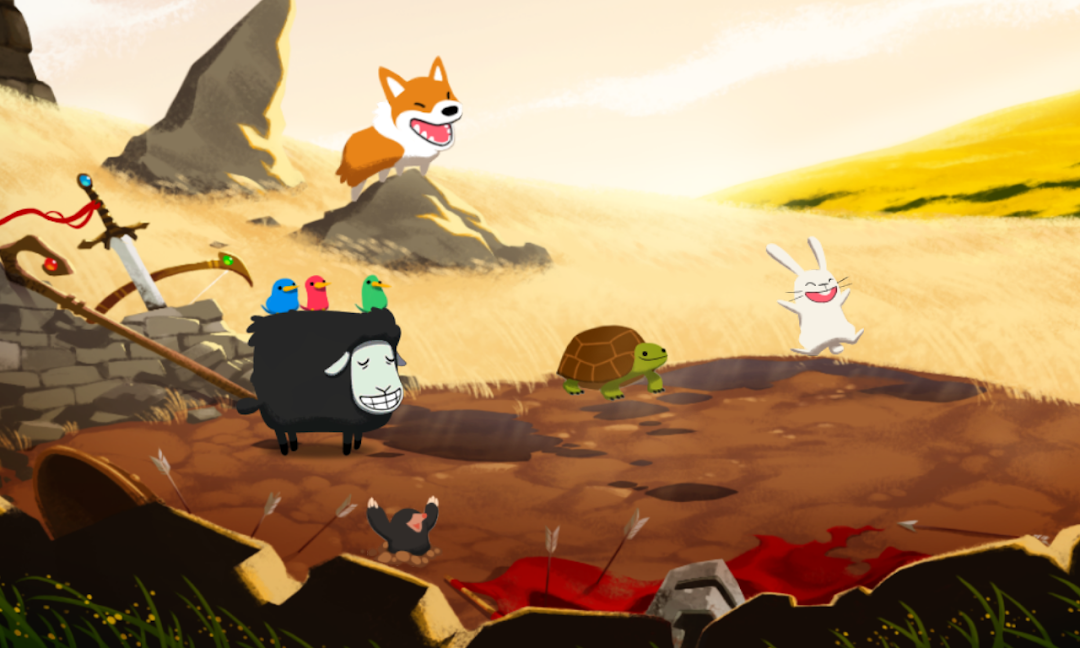
Color SheepはTrinket Studiosが開発したモスマホで動作するアーケードゲームです、最高のAndroidエミュレーターであるLDPlayerを使用すると、PCでColor Sheepをダウンロードして快適にプレイできます。
PCでColor Sheepを実行すると、大画面で鮮明な表示が可能であり、マウスとキーボードでアプリケーションを操作することは、タッチスクリーンキーボードよりもはるかに速く、常にデバイスの電池残量の心配をする必要はありません。
マルチインスタンスと同期機能を使用すると、PC上で複数のアプリケーションやアカウントを実行できます。
また、ファイル共有機能を使用すると、画像、ビデオ、およびファイルを簡単に共有できます。
Color SheepをダウンロードしてPCで実行して、大画面と高解像度の画質をお楽しみください!
Kotaku: “I’ve not had this much fun mixing colors since — I’ve never had this much fun mixing colors.”New York Times: “...your once-fumbling fingertips will be flying across the spectrum. You’ll barely notice you’ve learned something without having to crack open a single crusted-over container of paint.”
Entertainment Weekly: “What’s a color-changing lamb to do when it’s being attacked by multihued wolves? Incinerate them with lasers beams, obviously, in this whimsical shooting game.”
Hordes of vicious wolves have emerged from the mouth of Wolfcano to steal life and color from the world. Now the Knight of Light, Sir Woolson, must ready his color-changing fleece and magical powers as the last defense against the darkness!
Color Sheep is a fast-paced arcade game in which players change Woolson’s color to match oncoming wolves by mixing different intensities of red, green, and blue light. An intuitive swipe-based interface makes forming combos a breeze. When Woolson is charged, tap him to release an incinerating laser blast! Magical items dropped by enemies summon fantastical nature spells to protect Woolson and smite the evil lupine invaders. With adaptive difficulty, over twenty color combinations to master, and Facebook integrated leaderboards, Color Sheep is easy to learn but hard to put down!
* Mix red, green, and blue to master the power of light!
* Discover Woolson's arsenal of spectacular spells!
* Climb the leaderboards and best your friends and family!
* Works great and looks amazing on your phone and tablet!
Note: Color Sheep requires players to perceive a wide range of colors and is not recommended for those with color blindness.
Thanks for playing! Please email us with any feedback at team@trinketstudios.com