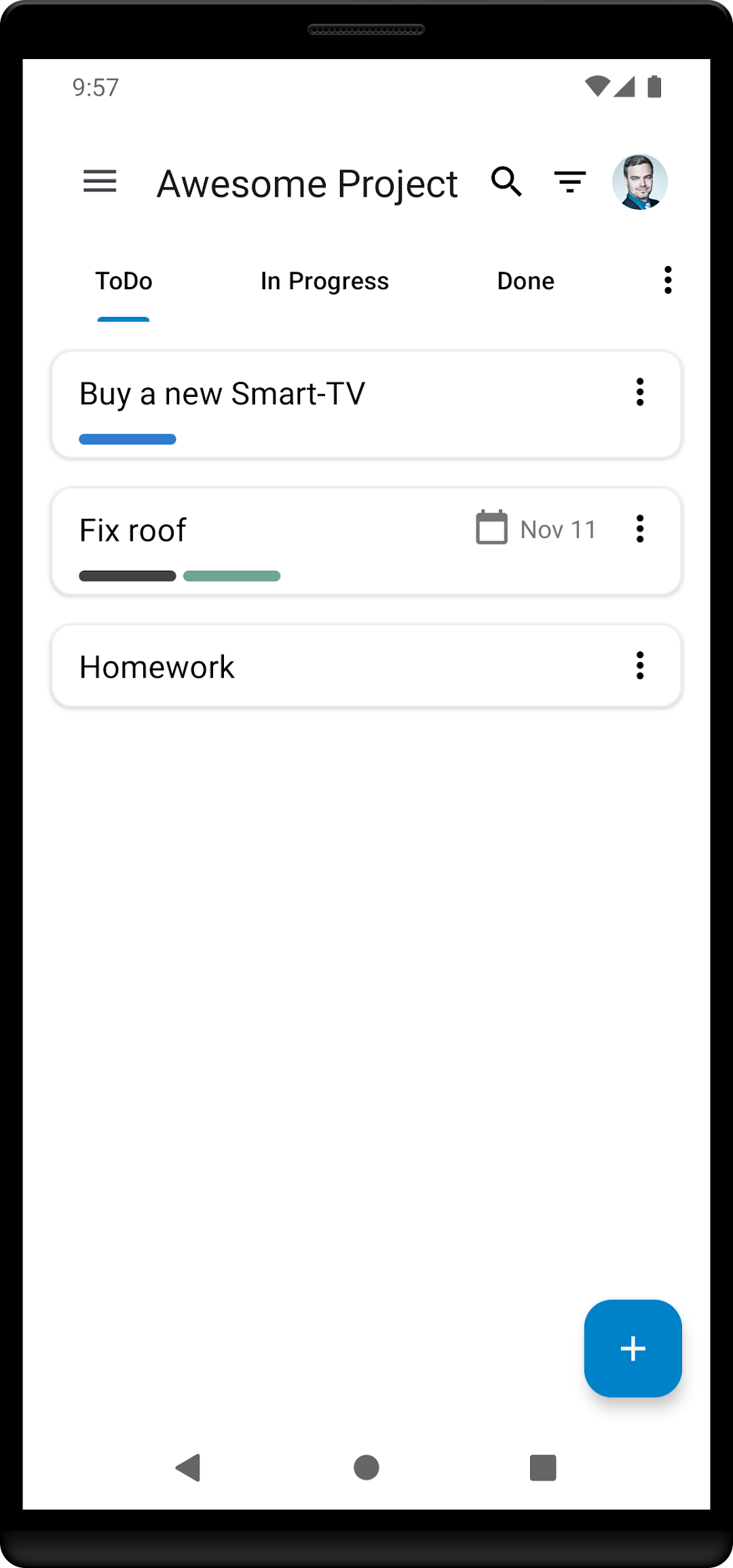


Nextcloud DeckはNiedermann IT-Dienstleistungenが開発したモスマホで動作する仕事効率化ゲームです、最高のAndroidエミュレーターであるLDPlayerを使用すると、PCでNextcloud Deckをダウンロードして快適にプレイできます。
PCでNextcloud Deckを実行すると、大画面で鮮明な表示が可能であり、マウスとキーボードでアプリケーションを操作することは、タッチスクリーンキーボードよりもはるかに速く、常にデバイスの電池残量の心配をする必要はありません。
マルチインスタンスと同期機能を使用すると、PC上で複数のアプリケーションやアカウントを実行できます。
また、ファイル共有機能を使用すると、画像、ビデオ、およびファイルを簡単に共有できます。
Nextcloud DeckをダウンロードしてPCで実行して、大画面と高解像度の画質をお楽しみください!
🚀 Features* Multiple accounts 👥
* Works offline 🔌
* Manage cards, lists and boards 📝
* Manage tags 🏷
* Supports attachments 📎, activities ⚡ & comments 💬
* Dark mode 🌙
* Translated in many languages 🌎
🔗 Requirements
* Nextcloud (https://nextcloud.com/)
* Nextcloud Deck app (https://apps.nextcloud.com/apps/deck)
* Nextcloud Android app (https://play.google.com/store/apps/details?id=com.nextcloud.client)
🐞 Beta-Channel
* https://play.google.com/apps/testing/it.niedermann.nextcloud.deck.play
👨👩👦 Contribute
* https://github.com/stefan-niedermann/nextcloud-deck#-join-the-team