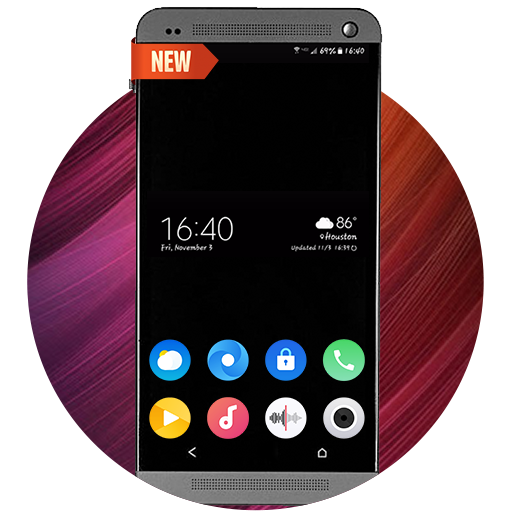
perslot30は퍼슬랏が開発したモスマホで動作するカスタマイズゲームです、最高のAndroidエミュレーターであるLDPlayerを使用すると、PCでperslot30をダウンロードして快適にプレイできます。
PCでperslot30を実行すると、大画面で鮮明な表示が可能であり、マウスとキーボードでアプリケーションを操作することは、タッチスクリーンキーボードよりもはるかに速く、常にデバイスの電池残量の心配をする必要はありません。
マルチインスタンスと同期機能を使用すると、PC上で複数のアプリケーションやアカウントを実行できます。
また、ファイル共有機能を使用すると、画像、ビデオ、およびファイルを簡単に共有できます。
perslot30をダウンロードしてPCで実行して、大画面と高解像度の画質をお楽しみください!
+++++++++++++++++++++++++++++++++++++++++++++++[How to install]
Before pressing the payment button, make sure your watch is selected.
Select your watch by pressing the small triangle next to the payment button.
Select the menu at the top right of the Play Store app (three dots) > Share > Chrome browser > Install on other devices > Clock and proceed.
After installation, select it from the download list, register it as a favorite, and use it. You can view the download list by clicking 'Add Watch Screen' on the far right of the favorites list that appears when you press the watch screen.
+++++++++++++++++++++++++++++++++++++++++++++++
[function]
- AOD screen
- Day info
- Battery % info
+++++++++++++++++++++++++++++++++++++++++++++++
For inquiries, please contact the email below.
gpandkorea@gmail.com
For more features and designs, search for "JWSTUDIO" on Play Store.