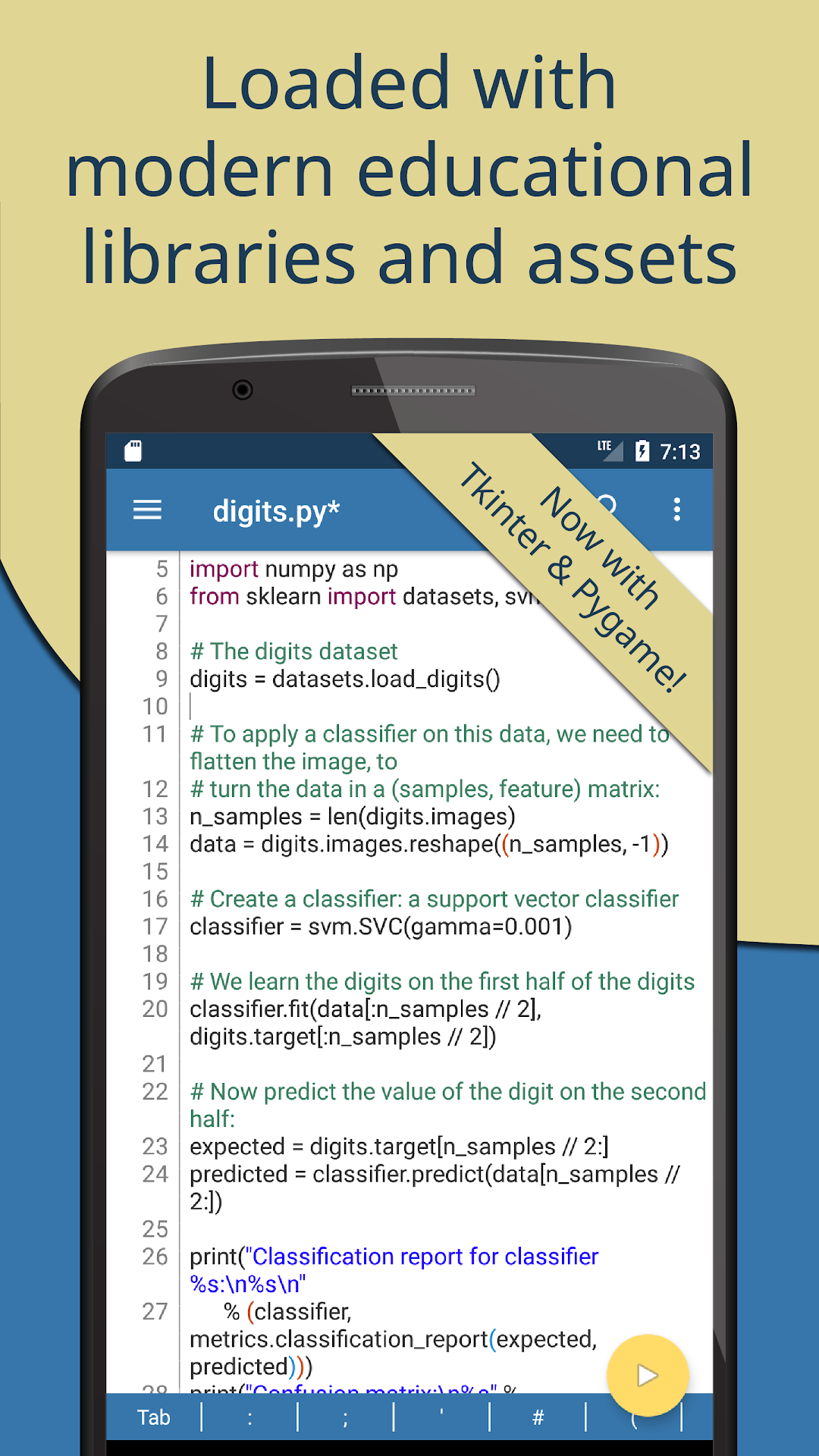
Pydroid 3 - IDE for Python 3はLider Soft KZが開発したモスマホで動作する教育ゲームです、最高のAndroidエミュレーターであるLDPlayerを使用すると、PCでPydroid 3 - IDE for Python 3をダウンロードして快適にプレイできます。
PCでPydroid 3 - IDE for Python 3を実行すると、大画面で鮮明な表示が可能であり、マウスとキーボードでアプリケーションを操作することは、タッチスクリーンキーボードよりもはるかに速く、常にデバイスの電池残量の心配をする必要はありません。
マルチインスタンスと同期機能を使用すると、PC上で複数のアプリケーションやアカウントを実行できます。
また、ファイル共有機能を使用すると、画像、ビデオ、およびファイルを簡単に共有できます。
Pydroid 3 - IDE for Python 3をダウンロードしてPCで実行して、大画面と高解像度の画質をお楽しみください!
Pydroid 3 is the most easy to use and powerful educational Python 3 IDE for Android.Features:
- Offline Python 3 interpreter: no Internet is required to run Python programs.
- Pip package manager and a custom repository for prebuilt wheel packages for enhanced scientific libraries, such as numpy, scipy, matplotlib, scikit-learn and jupyter.
- OpenCV is now available (on devices with Camera2 API support). *
- TensorFlow and PyTorch are also available. *
- Examples available out-of-the-box for quicker learning.
- Complete Tkinter support for GUI.
- Full-featured Terminal Emulator, with a readline support (available in pip).
- Built-in C, C++ and even Fortran compiler designed specially for Pydroid 3. It lets Pydroid 3 build any library from pip, even if it is using native code. You can also build & install dependencies from a command line.
- Cython support.
- PDB debugger with breakpoints and watches.
- Kivy graphical library with a shiny new SDL2 backend.
- PySide6 support available in Quick Install repository along with matplotlib PySide6 support with no extra code required.
- Matplotlib Kivy support available in Quick Install repository.
- pygame 2 support.
Editor features:
- Code prediction, auto indentation and real time code analysis just like in any real IDE. *
- Extended keyboard bar with all symbols you need to program in Python.
- Syntax highlighting & themes.
- Tabs.
- Enhanced code navigation with interactive assignment/definition gotos.
- One click share on Pastebin.
* Features marked by asterisk are available in Premium version only.
Quick manual.
Pydroid 3 requires at least 250MB free internal memory. 300MB+ is recommended. More if you are using heavy libraries such as scipy.
To run debug place breakpoint(s) clicking on the line number.
Kivy is detected with “import kivy”, “from kivy“ or "#Pydroid run kivy”.
PySide6 is detected with “import PySide6”, “from PySide6“ or "#Pydroid run qt”.
The same for sdl2, tkinter and pygame.
There is a special mode "#Pydroid run terminal" to ensure your program runs in terminal mode (this is useful with matplotlib that automatically runs in GUI mode)
Why are some libraries premium-only?
These libraries were extremely hard to port, so we had to ask another developer to do that. Under agreement, his forks of these libraries are provided to the premium users only. If you would like to develop free forks of these libraries - contact us.
Take a part in development of Pydroid 3 by reporting bugs or providing feature requests to us. We appreciate that.
As Pydroid 3 main goal is to help user learn Python 3 programming language, our first priority is porting scientific libraries (so system-related libraries are ported only when they are used as dependencies of some other educational package).
Legal information.
Some binaries in Pydroid 3 APK are licensed under (L)GPL, email us for the source code.
GPL pure Python libraries bundled with Pydroid 3 are considered to be coming in the source code form already.
Pydroid 3 doesn’t bundle any GPL-licensed native modules to avoid automatic import of them. The famous example of such library is GNU readline, that can be installed using pip.
Samples available in the application are free for educational usage with one exception: they, or their derivative works, cannot be used in any competing products (in any way). If you are unsure, whether your app is affected by this restriction, always ask for a permission via email.
Android is a trademark of Google Inc.