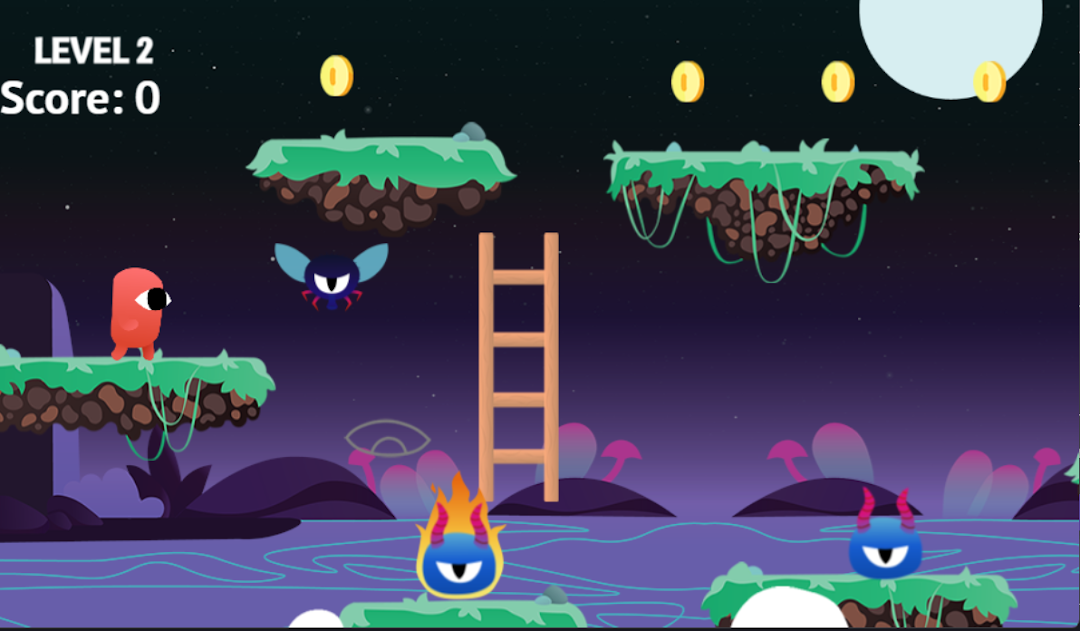
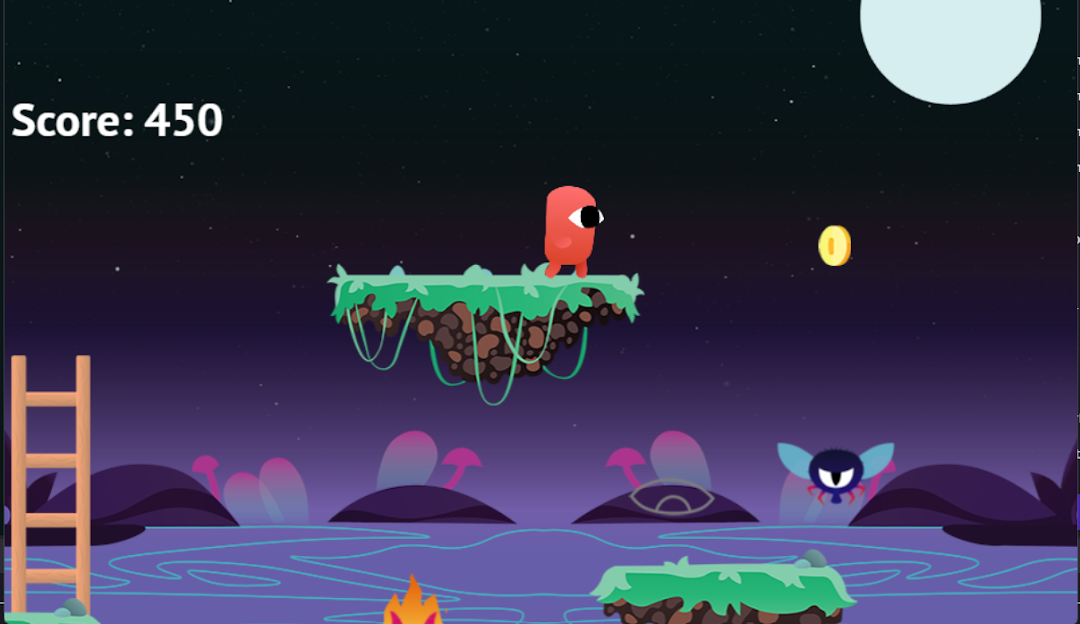
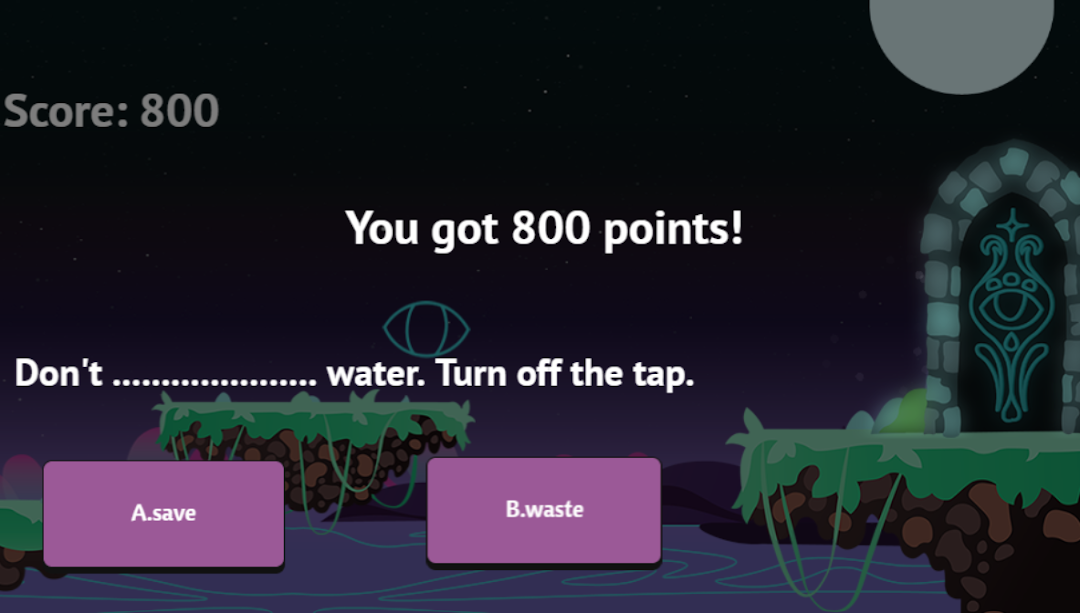
GAME OF SCHOOLSはBahar KAZIKが開発したモスマホで動作する教育ゲームです、最高のAndroidエミュレーターであるLDPlayerを使用すると、PCでGAME OF SCHOOLSをダウンロードして快適にプレイできます。
PCでGAME OF SCHOOLSを実行すると、大画面で鮮明な表示が可能であり、マウスとキーボードでアプリケーションを操作することは、タッチスクリーンキーボードよりもはるかに速く、常にデバイスの電池残量の心配をする必要はありません。
マルチインスタンスと同期機能を使用すると、PC上で複数のアプリケーションやアカウントを実行できます。
また、ファイル共有機能を使用すると、画像、ビデオ、およびファイルを簡単に共有できます。
GAME OF SCHOOLSをダウンロードしてPCで実行して、大画面と高解像度の画質をお楽しみください!
2021-1-IT02-KA210-SCH-000031507 numbered Game Of Schools -Erasmus+ KA210 Project Outcome about Climate Change.Info about Erasmus Project:
GBL today involves the students into learning atmosphere mostly with the use of computer and video games specifically
aimed to produce learning outcomes.It is designed to balance subject matter and gameplay, and later assesses the ability
of the learner to retain and apply the acquired knowledge to real-world scenarios. An effective game-based learning
environment helps learners work toward a goal while choosing actions, and experience the consequences of those
actions. The project is aimed at realizing the objectives of European Commision on decreasing the rate of early school
leaving. As we observe the statics of Eurostat in 2019 ,(https://ec.europa.eu/eurostat/statisticsexplained/
index.php?title=File:Early_leavers_2019-01.jpg), European Union is %10.2 ,Italy :%13,Turkey: %18, Lithunaia %4
Studies have shown that teachers are using GBL as an alternative teaching method to see positive results in the classrooms.
Project Coordinator:
Italy -Istituto Comprensivo "Leonardo da Vinci"
Project Partners
Türkiye -OYUN TASARIMCILARI GELISTIRICILERI YAPIM VE YAYINCILARI DERNEGI
Italy-Istituto Comprensivo Battipaglia Salvemini
Lithuania-Lietuvos Sporto Universiteto Kedainiu "Ausros" progimnazija
Türkiye-Asim'in Nesli Imam Hatip Ortaokulu
Climate change is important for several reasons, and its significance extends to both environmental and societal aspects. Here are some of the key reasons why climate change is a matter of great concern:
Environmental Impact: Climate change leads to a range of environmental consequences, including rising global temperatures, more frequent and severe heatwaves, melting glaciers and polar ice caps, sea-level rise, and changing weather patterns. These changes can disrupt ecosystems, threaten biodiversity, and damage natural habitats. They can also lead to more frequent and intense natural disasters like hurricanes, floods, and wildfires.
Human Health: Climate change can have direct and indirect effects on human health. Increased temperatures can lead to heat-related illnesses, and changes in weather patterns can affect the spread of vector-borne diseases like malaria and Zika. Air pollution resulting from the burning of fossil fuels also contributes to respiratory problems. Additionally, climate-related natural disasters can result in injuries and loss of life.
Food Security: Changes in temperature and precipitation patterns can impact crop yields and the availability of water resources for agriculture. This can lead to food shortages and increased food prices, which can have severe consequences, especially for vulnerable populations in developing countries.