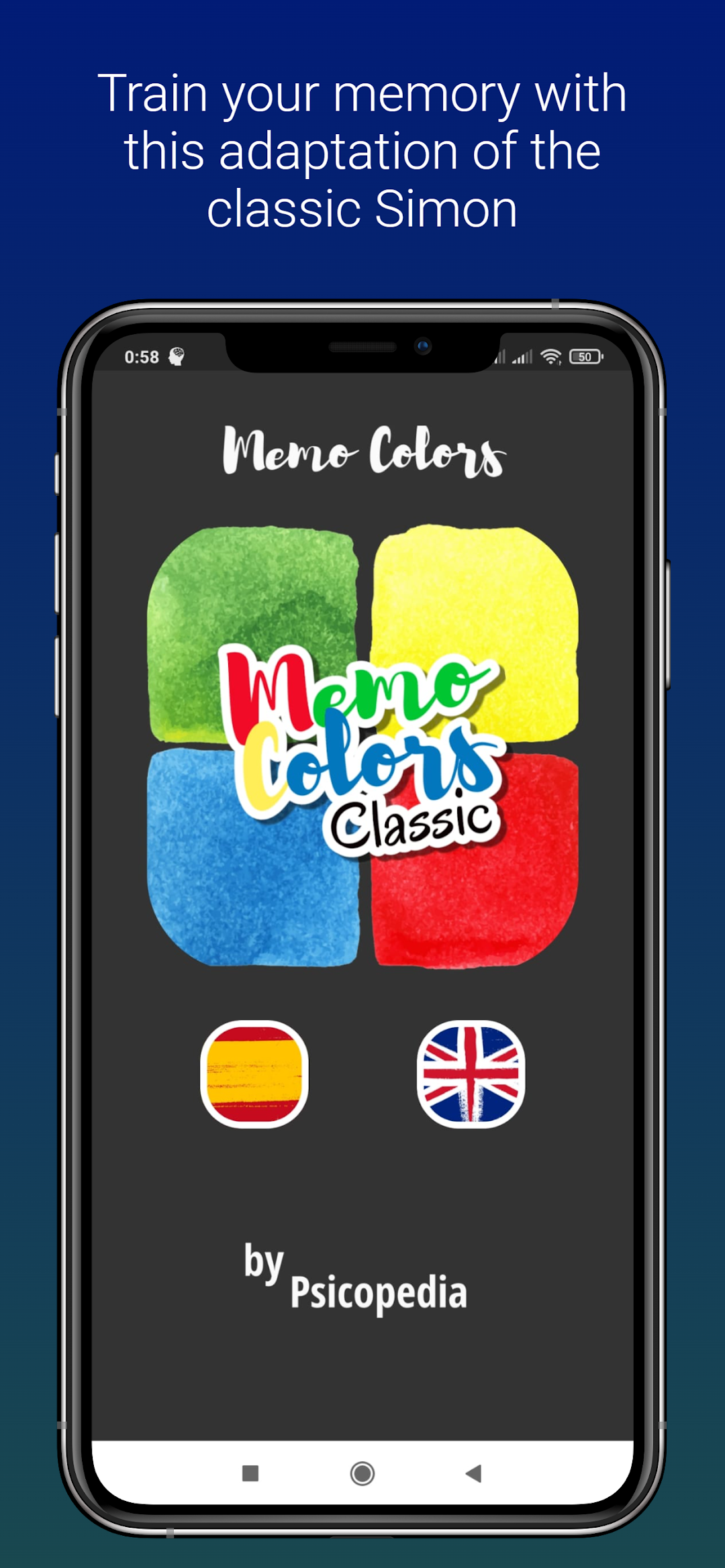
Memo Colors Train your MemoryはPsicopediaが開発したモスマホで動作する教育ゲームです、最高のAndroidエミュレーターであるLDPlayerを使用すると、PCでMemo Colors Train your Memoryをダウンロードして快適にプレイできます。
PCでMemo Colors Train your Memoryを実行すると、大画面で鮮明な表示が可能であり、マウスとキーボードでアプリケーションを操作することは、タッチスクリーンキーボードよりもはるかに速く、常にデバイスの電池残量の心配をする必要はありません。
マルチインスタンスと同期機能を使用すると、PC上で複数のアプリケーションやアカウントを実行できます。
また、ファイル共有機能を使用すると、画像、ビデオ、およびファイルを簡単に共有できます。
Memo Colors Train your MemoryをダウンロードしてPCで実行して、大画面と高解像度の画質をお楽しみください!
Memo Colors is an adaptation made by Psicopedia of the classic game "Simon", devised at the end of the 70s by the well-known engineer Ralph Baer.It is an emblematic game, aimed at people of any age, whose objective is to successfully repeat a random and increasingly complex sequence of four colors and sounds, until failure occurs.
It is a progressive task that tests working memory visually, auditory and spatially, in a fun way, being especially useful for improving attention and memory deficits in children, adults and the elderly.
Traditionally the game takes place both in a group and alone, although in this adapted version the most reasonable thing is to challenge yourself to get a higher and higher score. (You can always share a screenshot of your best score, if you're motivated to challenge other players.)
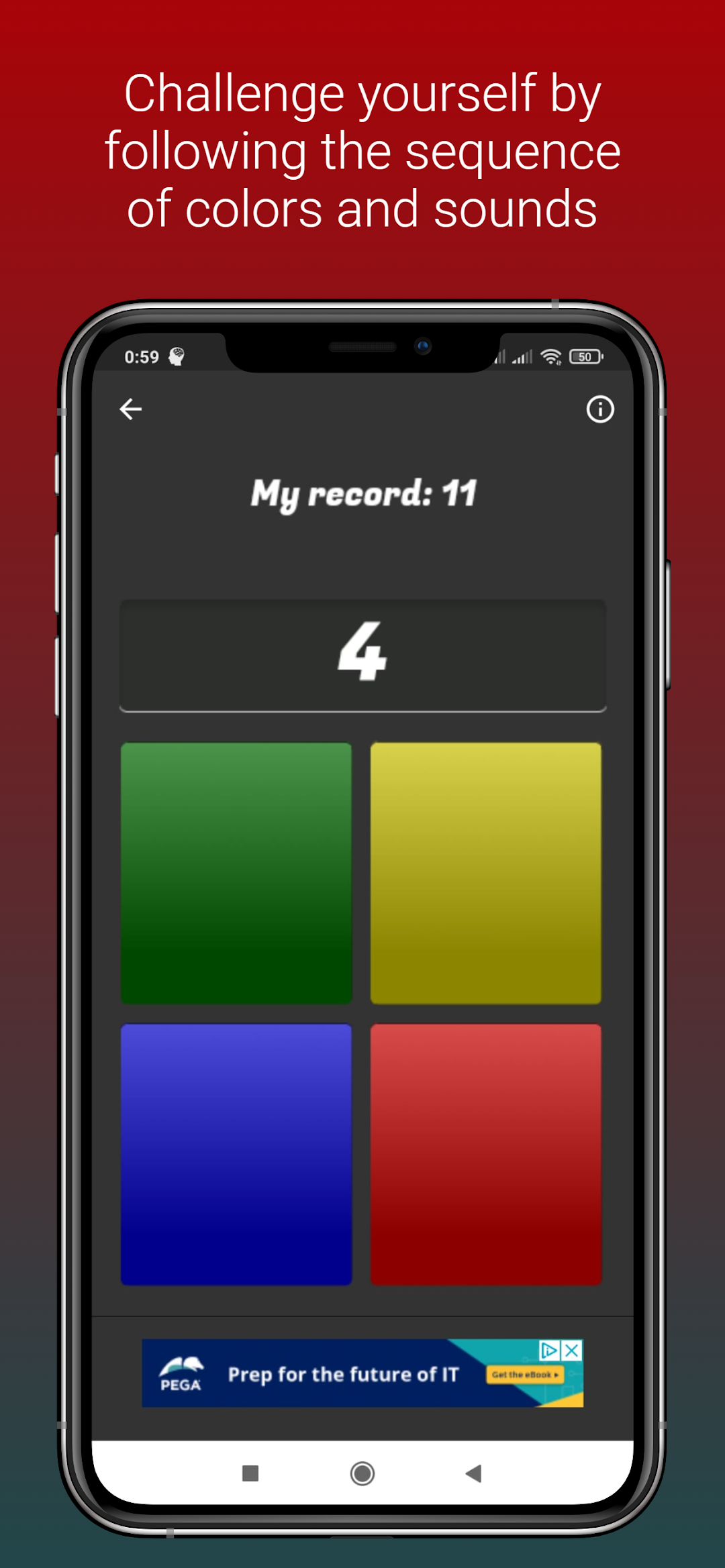
The dynamics of the game is very simple: Wait for the first color to light up and repeat it by clicking on it. The sequence will grow with an increasingly long series of colors and sounds that you must repeat in the same order. When you fail, the game will be over.
The basic form shows each color accompanied by a sound that identifies it. You can make the game more difficult by setting it to display only the color sequence (no sounds).
Memo Colors emulates the classic game "Simon" as a progressive task, a game that was very successful during the 80s and that we continue to find on the market today.
This is probably due to its recognized neurocognitive benefits, or because it is a game that tests our reflexes and our capacity for effort in a very fun way.
Several studies have shown over the years the usefulness of the classic "Simon", both to measure (in controlled environments) and to train working memory, in addition to other skills related to executive functions.
It's not just for kids. As has already been said, due to its great utility at the neuropsychological level, this type of sequential task is not only useful in childhood.
The task proposed by Memo Colors is a great ally in the treatment and prevention of dementia in adults, and it is the perfect excuse to unite people of various generations around the same stimulus.
This type of training is an invaluable support for the recovery of people of any age with attention deficits (ADHD) and memory, or those with disorders that present with an alteration of executive functions.
For healthy adults it is also a challenge to memorize the sequences of colors and sounds. Therefore, accompanying the little ones in the house will be as rewarding as any game of a more complex game, and everyone will benefit from a session of cognitive stimulation of the most fun.
What are we training? With sessions of just 10 minutes a day (if you do several better) you will be stimulating working, visual, auditory and spatial memory in a specific way.
Working memory or operative memory is the set of cognitive processes that allow people to keep information active and manipulate it voluntarily.
It is of vital importance for the development of other executive functions, and life is full of tasks in which you are successful if you have a well-trained working memory.
But at the same time, and collaterally, you will also be working on attention, motivation, tolerance to frustration or visual-spatial coordination.
As you can see, it's worth starting the youngest members of the household in this game, or spending a few minutes a day training your working memory, much more so if you can do it in such a fun way.